

Webcam Streaming
Stream a live webcam feed from your WendyOS device to the browser using GStreamer, WebSockets, and hardware-accelerated JPEG encoding
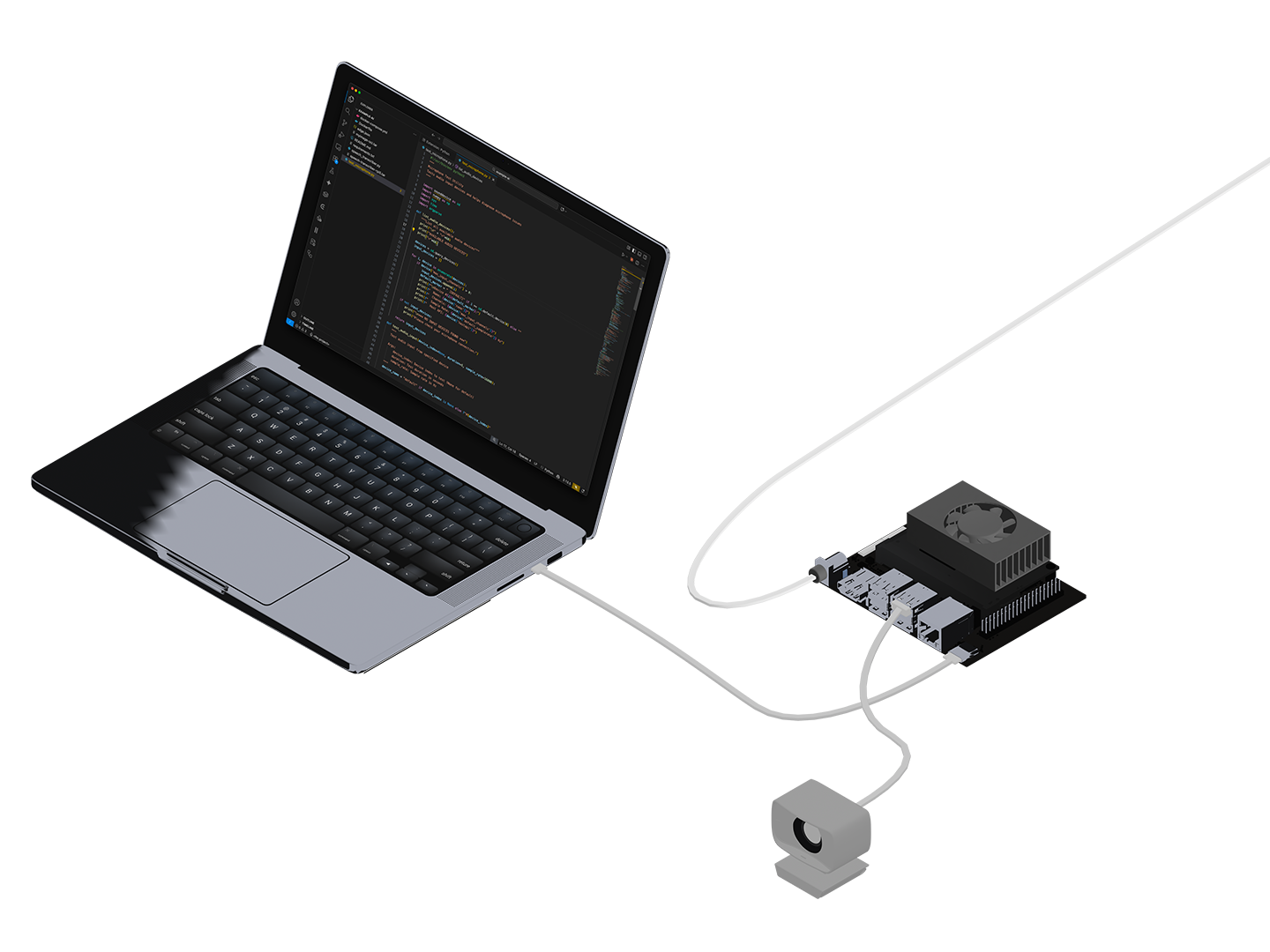
Low-Latency Webcam Streaming with GStreamer
This guide walks you through building a real-time webcam streaming application that runs on a WendyOS device. The app uses GStreamer for hardware-accelerated video capture and JPEG encoding, WebSockets for low-latency frame delivery, and a simple HTML5 frontend that renders frames on a canvas.
The complete sample is available in the samples repository.
What You'll Build
- A FastAPI backend using GStreamer for hardware-accelerated webcam capture
- WebSocket-based binary JPEG streaming with automatic client management
- An HTML5 frontend with canvas rendering, FPS counter, and connection status
- A Docker container built on the NVIDIA L4T JetPack base image
Prerequisites
- Wendy CLI installed on your development machine
- Docker installed (see Docker Installation)
- A WendyOS device (NVIDIA Jetson Orin Nano, Jetson AGX, etc.)
- A USB webcam connected to your WendyOS device
Recommended Webcams: See our Buyers Guide for webcam recommendations including the Logitech C920 and C270.
Understanding the Architecture
This sample uses the NVIDIA L4T JetPack base image (nvcr.io/nvidia/l4t-jetpack:r36.4.0) which provides:
- GStreamer with NVIDIA hardware encoder plugins (
nvjpegenc,nvvidconv) - V4L2 (Video4Linux) support for USB webcams
- CUDA libraries for GPU-accelerated processing
The streaming pipeline works as follows:
- GStreamer captures frames from the webcam via V4L2
- Frames are encoded to JPEG using hardware acceleration (with a software fallback)
- FastAPI serves a WebSocket endpoint that broadcasts JPEG frames to all connected browsers
- The HTML5 frontend renders frames on a canvas using
createImageBitmapfor efficient decoding
The camera pipeline starts lazily when the first client connects and stops when the last client disconnects, saving resources when nobody is watching.
Project Structure
webcam/
├── Dockerfile
├── wendy.json
├── requirements.txt
├── app.py
├── index.html
└── logo.svg
Clone the Sample
The easiest way to get started is to clone the samples repository:
git clone https://github.com/wendylabsinc/samples.git
cd samples/python/webcam
Understanding the Backend
The FastAPI backend (app.py) manages the GStreamer pipeline, WebSocket connections, and frame broadcasting:
import asyncio
import logging
import threading
from pathlib import Path

import gi
gi.require_version("Gst", "1.0")
gi.require_version("GstApp", "1.0")

from gi.repository import Gst, GstApp, GLib
from fastapi import FastAPI, WebSocket, WebSocketDisconnect
from fastapi.responses import FileResponse

logging.basicConfig(level=logging.INFO)
logger = logging.getLogger(__name__)

Gst.init(None)

app = FastAPI()

# Video settings
FRAME_WIDTH = 1280
FRAME_HEIGHT = 720
FRAMERATE = 30
JPEG_QUALITY = 85
GStreamer Pipeline
The GStreamerCamera class creates a capture pipeline that tries the hardware NVJPEG encoder first and falls back to software encoding:
class GStreamerCamera:
    """GStreamer-based camera capture with hardware encoding support."""

    def __init__(self):
        self.pipeline: Gst.Pipeline | None = None
        self.appsink: GstApp.AppSink | None = None
        self.clients: set[WebSocket] = set()
        self.running = False
        self._lock = threading.Lock()
        self._loop: asyncio.AbstractEventLoop | None = None

    def _create_pipeline(self) -> Gst.Pipeline:
        """Create GStreamer pipeline - tries hardware encoder first."""

        # Hardware pipeline for Jetson (NVJPEG encoder)
        hw_pipeline = f"""
            v4l2src device=/dev/video0 !
            video/x-raw,width={FRAME_WIDTH},height={FRAME_HEIGHT},
                framerate={FRAMERATE}/1 !
            nvvidconv !
            video/x-raw(memory:NVMM) !
            nvjpegenc quality={JPEG_QUALITY} !
            appsink name=sink emit-signals=true max-buffers=2 drop=true
        """

        # Software fallback (works everywhere)
        sw_pipeline = f"""
            v4l2src device=/dev/video0 !
            videoconvert ! videoscale ! videorate !
            video/x-raw,width={FRAME_WIDTH},height={FRAME_HEIGHT},
                framerate={FRAMERATE}/1,format=I420 !
            jpegenc quality={JPEG_QUALITY} !
            appsink name=sink emit-signals=true max-buffers=2 drop=true
        """

        for name, pipeline_str in [
            ("hardware", hw_pipeline),
            ("software", sw_pipeline),
        ]:
            try:
                pipeline = Gst.parse_launch(pipeline_str)
                ret = pipeline.set_state(Gst.State.PAUSED)
                if ret != Gst.StateChangeReturn.FAILURE:
                    logger.info(f"Using {name} JPEG encoder")
                    pipeline.set_state(Gst.State.NULL)
                    return Gst.parse_launch(pipeline_str)
                pipeline.set_state(Gst.State.NULL)
            except Exception as e:
                logger.debug(f"{name} pipeline failed: {e}")

        raise RuntimeError("No working GStreamer pipeline found")
How it works:
v4l2srccaptures raw frames from the USB webcam at/dev/video0- On Jetson,
nvvidconvandnvjpegencuse the GPU for JPEG encoding appsinkwithmax-buffers=2 drop=trueprevents frame buildup if clients are slow- The pipeline probes
PAUSEDstate to detect whether hardware encoding is available
WebSocket Frame Broadcasting
When GStreamer produces a new JPEG frame, it is broadcast to all connected WebSocket clients:
def _on_new_sample(self, sink) -> Gst.FlowReturn:
    """Called by GStreamer when a new frame is ready."""
    sample = sink.emit("pull-sample")
    if sample is None:
        return Gst.FlowReturn.OK

    buffer = sample.get_buffer()
    success, map_info = buffer.map(Gst.MapFlags.READ)
    if not success:
        return Gst.FlowReturn.OK

    frame_data = bytes(map_info.data)
    buffer.unmap(map_info)

    # Schedule broadcast on asyncio loop
    if self._loop and self.clients:
        asyncio.run_coroutine_threadsafe(
            self._broadcast_frame(frame_data),
            self._loop
        )

    return Gst.FlowReturn.OK

async def _broadcast_frame(self, frame_data: bytes):
    """Send frame to all connected clients."""
    disconnected = set()
    for ws in self.clients.copy():
        try:
            await ws.send_bytes(frame_data)
        except Exception:
            disconnected.add(ws)
    self.clients -= disconnected
Lazy Start/Stop
The camera starts when the first client connects and stops when the last disconnects:
async def add_client(self, websocket: WebSocket) -> bool:
    """Add a client and start pipeline if needed."""
    self.clients.add(websocket)
    if self.pipeline is None:
        try:
            self.start(asyncio.get_event_loop())
        except Exception as e:
            logger.error(f"Failed to start camera: {e}")
            self.clients.discard(websocket)
            return False
    return True

async def remove_client(self, websocket: WebSocket):
    """Remove a client and stop pipeline if no clients remain."""
    self.clients.discard(websocket)
    if not self.clients:
        self.stop()
WebSocket Endpoint
@app.websocket("/stream")
async def websocket_stream(websocket: WebSocket):
    """WebSocket endpoint for video streaming."""
    await websocket.accept()

    if not await camera.add_client(websocket):
        await websocket.close(code=1011, reason="Failed to open camera")
        return

    try:
        while True:
            try:
                await asyncio.wait_for(websocket.receive(), timeout=30.0)
            except asyncio.TimeoutError:
                await websocket.send_json({"type": "ping"})
    except WebSocketDisconnect:
        pass
    finally:
        await camera.remove_client(websocket)
Understanding the Frontend
The frontend (index.html) is a single HTML file that connects to the WebSocket stream and renders JPEG frames on a canvas:
<div class="bg-black rounded-lg shadow overflow-hidden relative">
  <canvas
    id="video-frame"
    class="w-full aspect-video bg-gray-900"
    aria-label="Video stream"
  ></canvas>
</div>
WebSocket Connection
function connect() {
  const protocol = window.location.protocol === "https:" ? "wss:" : "ws:";
  ws = new WebSocket(`${protocol}//${window.location.host}/stream`);
  ws.binaryType = "arraybuffer";

  ws.onopen = () => setStatus("Connected", "green");

  ws.onmessage = (event) => {
    if (event.data instanceof ArrayBuffer) {
      latestFrame = event.data;
      scheduleRender();
    }
  };

  ws.onclose = () => {
    setStatus("Disconnected", "red");
    // Auto-reconnect after 2 seconds
    reconnectTimeout = setTimeout(connect, 2000);
  };
}
Frame Rendering
Frames are decoded asynchronously using createImageBitmap for performance. A smart queueing system drops frames if decoding can't keep up:
function renderFrame(buffer) {
  const blob = new Blob([buffer], { type: "image/jpeg" });
  return createImageBitmap(blob).then((bitmap) => {
    if (videoFrame.width !== bitmap.width ||
        videoFrame.height !== bitmap.height) {
      videoFrame.width = bitmap.width;
      videoFrame.height = bitmap.height;
    }
    ctx.drawImage(bitmap, 0, 0, videoFrame.width, videoFrame.height);
    bitmap.close();
  });
}

function scheduleRender() {
  if (decoding || !latestFrame) return;
  const buffer = latestFrame;
  latestFrame = null;
  decoding = true;

  renderFrame(buffer)
    .catch(() => null)
    .finally(() => {
      decoding = false;
      frameCount++;
      updateFps();
      scheduleRender();
    });
}
UI Features:
- Connection status indicator (yellow/green/red) with text
- Live FPS counter updated every second
- Resolution display showing the actual frame dimensions
- Loading spinner overlay while connecting
- Automatic reconnection on disconnect
Understanding the Dockerfile
The Dockerfile uses the NVIDIA L4T JetPack base image with GStreamer support:
# Use NVIDIA L4T base for Jetson with GStreamer support
FROM nvcr.io/nvidia/l4t-jetpack:r36.4.0

# Install GStreamer and Python dependencies
RUN apt-get update && apt-get install -y --no-install-recommends \
    python3 \
    python3-pip \
    python3-gi \
    gir1.2-gst-plugins-base-1.0 \
    gir1.2-gstreamer-1.0 \
    gstreamer1.0-tools \
    gstreamer1.0-plugins-base \
    gstreamer1.0-plugins-good \
    gstreamer1.0-plugins-bad \
    v4l-utils \
    && rm -rf /var/lib/apt/lists/*

WORKDIR /app

COPY requirements.txt .
RUN pip3 install --no-cache-dir -r requirements.txt

COPY app.py .
COPY index.html .
COPY logo.svg .

# Create a non-root user for security
RUN useradd --create-home --shell /bin/bash app && \
    chown -R app:app /app && \
    chmod -R u+r /app && \
    usermod -aG video app
USER app

EXPOSE 3003

CMD ["python3", "-m", "uvicorn", "app:app", "--host", "0.0.0.0", "--port", "3003"]
Key points:
- The L4T JetPack base image provides CUDA and NVIDIA GStreamer plugins
- GStreamer Python bindings (
python3-gi,gir1.2-*) enable pipeline control from Python v4l-utilsprovides Video4Linux tools for webcam access- A non-root
appuser is created and added to thevideogroup for/dev/video0access - No frontend build step needed since the UI is a single HTML file using Tailwind via CDN
Configure Entitlements
The wendy.json file specifies the required device permissions:
{
  "appId": "sh.wendy.examples.webcam",
  "version": "1.0.0",
  "language": "python",
  "entitlements": [
    { "type": "network", "mode": "host" },
    { "type": "video" },
    { "type": "gpu" }
  ],
  "readiness": {
    "tcpSocket": { "port": 3003 },
    "timeoutSeconds": 30
  },
  "hooks": {
    "postStart": {
      "cli": "open http://${WENDY_HOSTNAME}:3003"
    }
  }
}- network (host mode): Allows binding to ports directly on the device and enables WebSocket connections
- video: Grants access to
/dev/video*webcam devices - gpu: Enables NVIDIA hardware-accelerated JPEG encoding via
nvjpegenc - readiness: Waits for port
3003to accept connections before proceeding - postStart: Automatically opens the stream in your browser once ready
Linux users: Replace open with xdg-open in the postStart hook:
"cli": "xdg-open http://${WENDY_HOSTNAME}:3003"Deploy to Your Device
Connect your USB webcam to the Jetson, then run:
wendy runThe CLI will:
- Build the Docker image (cross-compiling for ARM64)
- Push the image to your device's local registry
- Start the container with the configured entitlements
wendy run
✔︎ Searching for WendyOS devices [5.0s]
✔︎ Which device?: wendyos-zestful-stork.local [USB, LAN]
✔︎ Builder ready [0.2s]
✔︎ Container built and uploaded successfully! [22.1s]
✔ Success
  Started app
INFO:     Uvicorn running on http://0.0.0.0:3003
INFO:     Using hardware JPEG encoder
Your browser will open automatically once the stream is ready, thanks to the postStart hook. If it doesn't, navigate to:
http://wendyos-zestful-stork.local:3003Replace the hostname with your device's actual hostname.
Troubleshooting
Next Steps
- Add the YOLOv8 Webcam Detection guide to layer object detection on top of this stream
- Add recording to save video clips to disk
- Implement snapshot endpoints to capture still images on demand
- Add multiple camera support by parameterizing the device path