

WendyOS Preview for NVIDIA Jetson Orin Nano
WendyOS brings a mobile-style developer workflow to the NVIDIA Jetson Orin Nano: connect over USB-C, deploy from your machine, and skip the monitor, keyboard, mouse, and adapter pile.
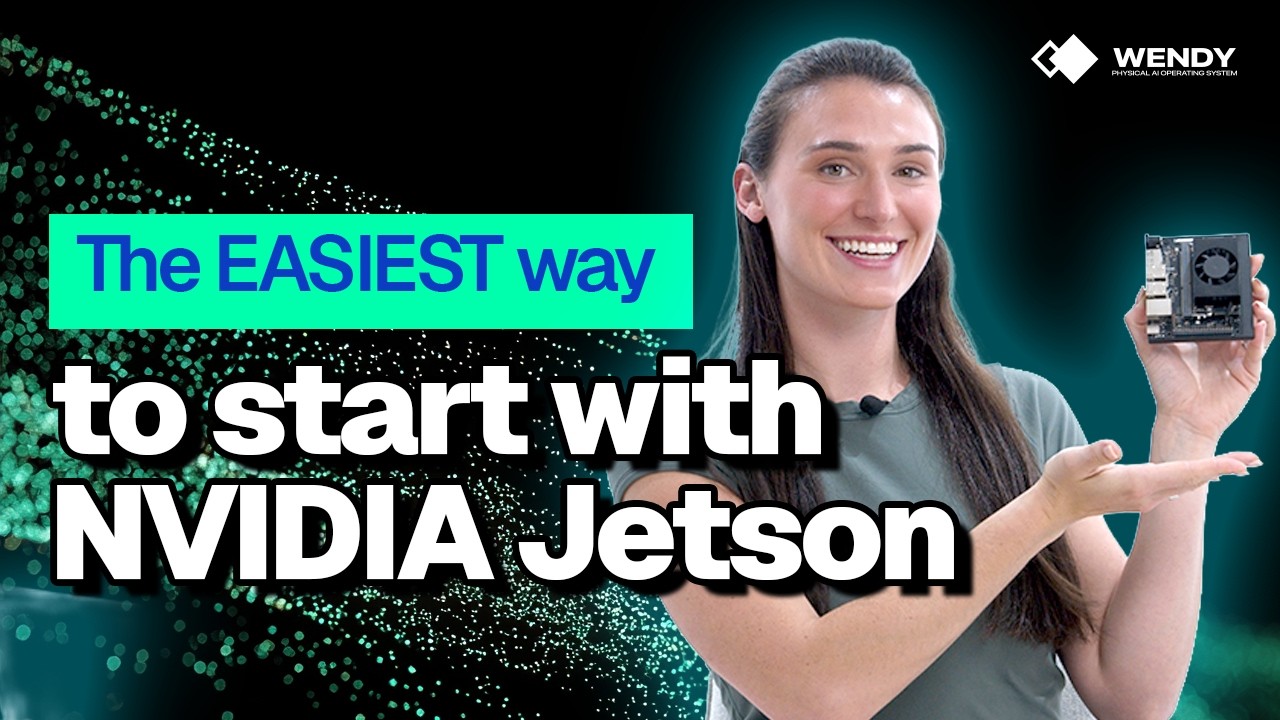
Try the preview with the WendyOS installation guide for NVIDIA Jetson Orin Nano.
The NVIDIA Jetson Orin Nano is one of the most exciting edge AI development boards you can buy. It is powerful enough for real computer vision, robotics, and local model workloads, but the first-run developer experience still feels like assembling a workstation from parts before you ever get to write code.
With the WendyOS preview for NVIDIA Jetson Orin Nano, we are making the setup feel closer to mobile development: plug in the device, discover it from your developer machine, deploy your app, and get back logs without turning your desk into a hardware bench.
The Usual Jetson Setup Tax
Traditional Jetson setup asks you to gather a surprising amount of hardware before you can even start:
- USB keyboard
- USB mouse
- HDMI, DisplayPort, or adapter cables
- A monitor
- A second machine for flashing media
- A pile of docs tabs just to get to first boot
That gear is not the app you wanted to build. It is just the setup tax.
For robotics, vision, and physical AI developers, this matters. Every hour spent finding the right display adapter or debugging a headless boot sequence is an hour not spent testing your camera pipeline, tuning inference, or shipping something to a real device.
The WendyOS Way
WendyOS changes the shape of the workflow. For the preview, the goal is simple:
- Install Wendy on your developer machine.
- Connect your Jetson Orin Nano over USB-C.
- Deploy.
No keyboard. No mouse. No HDMI-to-DisplayPort adapter. No monitor.
If you are a mobile developer, this should feel right at home. You already expect to connect a device over USB, select it from your tooling, run your app, and watch logs come back. WendyOS brings that same mental model to edge AI hardware.
Built for App Developers, Not Setup Rituals
The Jetson Orin Nano is a developer kit, but the developer experience should not require you to become an IT department first. WendyOS is designed around the loop you actually care about:
- Create or open a project.
- Declare the hardware capabilities your app needs.
- Build and deploy to the device.
- Stream logs and iterate.
That loop is familiar if you have ever built for iOS or Android. The hardware is different, but the feeling should be the same: your laptop is the development machine, the Jetson is the target device, and USB-C is enough to start moving code.
What You Can Try
The preview is focused on getting developers onto the Jetson Orin Nano quickly so they can start building real edge workloads. It is a good fit for:
- Computer vision demos
- Robotics prototypes
- Local AI inference experiments
- Classroom and lab projects
- Physical AI applications that need GPU-capable edge compute
We are still in preview, so expect the product to keep moving. But the direction is fixed: the edge device should feel like a normal deployment target, not a separate hardware project.
Get Started
Follow the WendyOS installation guide for NVIDIA Jetson Orin Nano to try the preview locally.
Bring a Jetson Orin Nano, a developer machine, and a USB-C cable. Leave the keyboard, mouse, display adapters, and monitor on the shelf.