

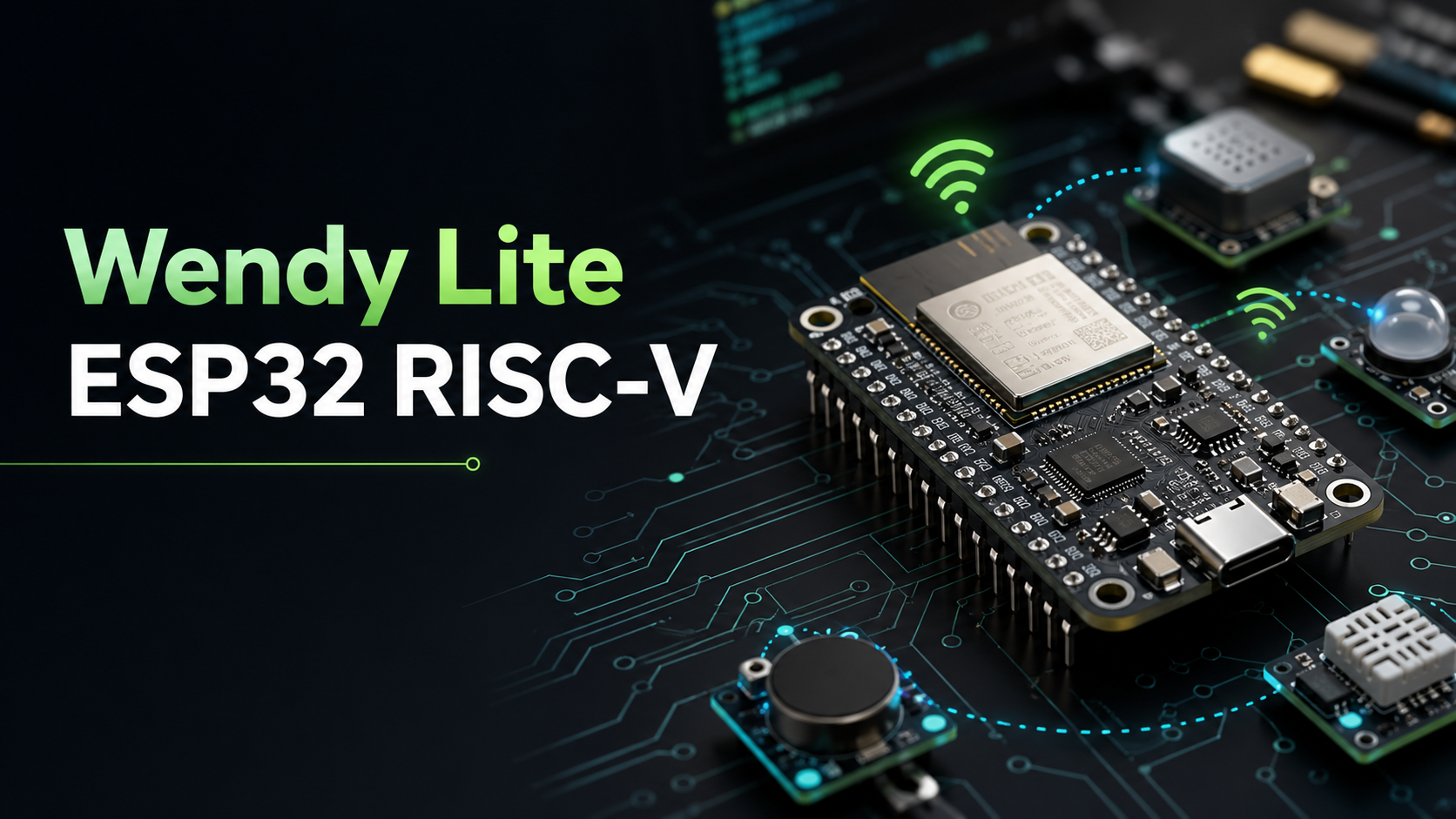
Introducing Wendy Lite: Wendy for ESP32 RISC-V Microcontrollers
Write firmware in Swift and deploy to ESP32 RISC-V MCUs using WebAssembly. GPIO, I2C, SPI, BLE, WiFi, and full OpenTelemetry observability - on a $5 chip.
Join our Discord community to connect with other developers building with Wendy!
Wendy has always been about eliminating the gap between writing code and running it on real hardware. We started with NVIDIA Jetson and Raspberry Pi -- powerful single-board computers that can run containers and full operating systems. But not every device in the physical world needs that much horsepower.
Sometimes you need a sensor node that runs on a coin cell. A BLE beacon. A motor controller. A LED strip driver. A WiFi-connected thermostat. For these, you need a microcontroller -- and until now, that meant leaving the Wendy ecosystem entirely.
Today, we are changing that. Introducing Wendy Lite: the Wendy developer experience, brought to ESP32 RISC-V microcontrollers.
Why ESP32 RISC-V?
The ESP32-C6 and ESP32-C5 are Espressif's RISC-V based microcontrollers. They pack WiFi 6, Bluetooth 5, and a capable RISC-V core into a package that costs under $5 and sips power. They are everywhere -- in smart home devices, industrial sensors, wearables, and agricultural monitors.
But developing firmware for MCUs has traditionally meant writing raw C against vendor SDKs, wrestling with toolchains, and debugging with printf over UART. No structured logging. No metrics. No way to know what your fleet of 200 sensors is actually doing in the field.
Wendy Lite fixes all of this.
How It Works
Wendy Lite is a WebAssembly runtime that runs on the ESP32. You write your application in Swift using Embedded Swift, compile it to a .wasm binary, and Wendy Lite executes it on the MCU with full access to hardware peripherals through a clean abstraction layer.
The architecture is simple: the Wendy Lite firmware provides the WASM runtime and a Hardware Abstraction Layer. Your application runs as a sandboxed WASM module on top.
Swift on a Microcontroller
Wendy Lite uses Embedded Swift to bring the same language you use for iOS, server-side, and WendyOS apps to a $5 MCU. The WendyLite SDK provides idiomatic Swift bindings for every peripheral:
import WendyLite

let led = GPIO(pin: 8, mode: .output)

while true {
    led.high()
    Timer.delay(milliseconds: 500)
    led.low()
    Timer.delay(milliseconds: 500)
}
Type-safe. Memory-safe. No malloc, no free, no segfaults.
Full Hardware Access
Wendy Lite does not compromise on peripheral support. The HAL exposes the full capabilities of the ESP32:
- GPIO: Digital I/O, PWM, analog read (ADC), interrupts
- I2C: Bus scanning, read/write, write-then-read transactions
- SPI: Configurable clock, bidirectional transfers
- UART: Configurable baud rates with receive callbacks
- NeoPixel / WS2812: High-level LED strip API via RMT
- WiFi: Station and AP modes, RSSI, connect/disconnect
- BLE: Advertising, scanning, GATT server and client
- Timers: Delays, uptime, intervals with callback dispatch
- NVS Storage: Persistent key-value storage that survives resets
- Networking: TCP/UDP sockets, DNS, TLS
If the ESP32 can do it, Wendy Lite lets you do it from Swift.
OpenTelemetry on a Microcontroller
This is where Wendy Lite becomes truly unique. Every Wendy Lite device speaks OpenTelemetry natively:
- Structured logging with five severity levels, not just
printfover serial - Metrics: counters, gauges, and histograms for monitoring sensor readings, battery levels, or anything else
- Distributed tracing: spans with attributes, so you can trace a request from your cloud API all the way down to the GPIO toggle on the MCU
Your fleet of ESP32 devices shows up in the same Wendy dashboard as your Jetson and Raspberry Pi devices. One observability pipeline for your entire hardware fleet.
Getting Started
1. Install the Wendy CLI
Follow the Developer Machine Setup to install the Wendy CLI and Swift on your development machine.
2. Flash the Wendy Lite Firmware
Connect your ESP32-C6 board via USB and use the Wendy CLI to flash the firmware:
wendy os installSelect ESP32-C6 when prompted and choose your board's serial port. The CLI handles the rest.
3. Create Your App
Scaffold a new Wendy Lite project with wendy init:
mkdir blink && cd blink
wendy init
Select ESP32 as the target platform. This creates a Swift project preconfigured with the WendyLite SDK.
4. Deploy
Build and deploy to the device with a single command:
wendy runThe Wendy CLI compiles your Swift code to WebAssembly and uploads it to the board.
What Will You Build?
A $5 chip. Swift. Full hardware access. Cloud-grade observability. The smallest devices in the physical world just joined the Wendy ecosystem.
Ready to get started? Head over to our ESP32 installation guide to set up your development environment and flash your first Wendy Lite device.